When people hear that we run Wauu! Creative as a remote design team with one partner in Finland and another in Vietnam, they usually have questions. How do you manage the time difference? Does the distance affect your creativity? What's it really like working thousands of miles apart?
The truth is, remote work has become the new normal for design teams everywhere. According to Stack Overflow's 2024 Developer Survey, over 80% of developers prefer remote or hybrid work arrangements. But for us, it's not just about following trends, it's about making it work in the real world, with real projects and real deadlines.
Let me pull back the curtain and show you how we actually make this work.
The Finland-Vietnam Setup: Making Time Zones Work for Us
Here's our reality: when it's 9 AM in Finland, it's 1 PM in Vietnam. That four-hour difference might seem challenging, but we've learned to see it as an advantage rather than an obstacle.
My business partner spent many years living in Oulu, so this isn't about navigating cultural differences or language barriers. He's visiting family for an extended period, which means we're dealing with geography, not culture. This makes our situation unique, we have the shared understanding of working in Finland's business environment, but with the flexibility that comes from different time zones.
The four-hour overlap gives us a solid window for live collaboration when we need it. But more importantly, it creates natural handoffs that keep projects moving. When he wraps up his day in Vietnam, I still got several productive hours ahead in Finland. It's like having an extended workday without anyone actually working extended hours.
Tools That Bridge the Distance
The success of any remote design team comes down to the tools you use and how you use them. Collaborative tools like Figma or InVision let teams simultaneously work on the same file, which has completely changed how we approach design projects.
We rely heavily on Figma for real-time design collaboration. There's something almost magical about seeing your partner's cursor moving across the same canvas you're working on, even when they're 7,000 kilometers away. For our website and branding projects, this means we can iterate faster and catch potential issues before they become problems.
But it's not just about fancy design tools. We use Teams for quick daily communication, Clickup for project documentation, and good old-fashioned video calls when we need to hash out complex ideas. Real-time collaboration and messaging tools form the core of a team's communication, and we've learned that having too many tools is just as problematic as having too few.
The Creative Process Doesn't Need a Physical Office
One of the biggest misconceptions about remote work is that creativity suffers when you're not in the same room. We've found the opposite to be true. When you remove the pressure of immediate physical presence, ideas have room to breathe and develop. And if needed, we can just go to the nearest coffee shop to work from there for a change.
Our branding projects often benefit from this setup. One of us might start exploring a concept, leave detailed notes and initial mockups and then the other can build on those ideas with fresh eyes. It's like having a creative relay race where each handoff adds momentum rather than slowing things down.
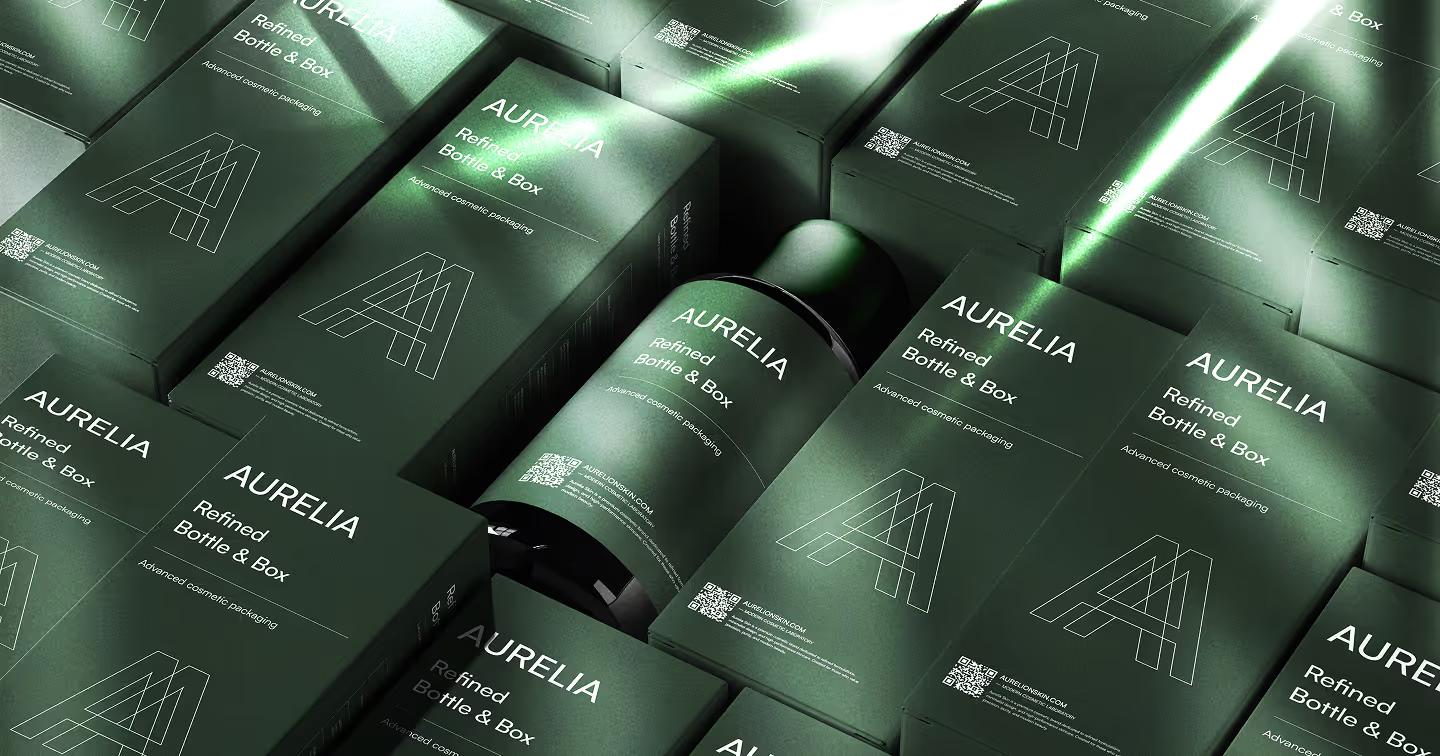
Take our recent work with a client's visual identity. The initial concept sketches happened during Vietnamese afternoon hours, got refined during the overlap period with live feedback, and then received final touches during Finnish morning hours. The result was a more thoughtful, well-developed brand identity than we might have achieved in a single intense brainstorming session.
What Remote Work Really Looks Like Day-to-Day
Let's get practical. A typical project day might start with me reviewing overnight progress and leaving feedback in Figma comments. By the time my partner starts his day in Vietnam, there's a clear direction for moving forward. We'll have a quick chat on teams or video check-in during our overlap hours to align on priorities, then continue working in parallel on different aspects of the project.
According to recent analysis of remote work trends, eco-friendly remote work practices are becoming vital in corporate sustainability strategies, with eliminating commutes dramatically decreasing carbon emissions. For us, this means our Webflow development projects have a smaller environmental footprint while maintaining the same high quality our clients expect.
The key is staying organized. We maintain clear folder structures and naming conventions, something that becomes crucial when files are passing between team members across time zones. As one expert notes, "you need to keep on top of folder structures and naming conventions" for successful remote collaboration.
The Human Side of Remote Design Work
Working remotely doesn't mean working in isolation. We make sure to maintain the human connections that make collaboration enjoyable and productive. Sometimes our check-ins spend more time on life updates than project updates, and that's perfectly fine. Since we're entrepreneurs, we have more flexible working hours. This means walks in a park during working hours, or even household chores. Everything is allowed, as long as the tasks are finished on time.
The beauty of our Finland-Vietnam setup is that we get to experience both the focused, systematic approach that Finnish work culture encourages, and the flexibility that comes with having team members in different parts of the world. It's a blend that serves our clients well, especially when they need comprehensive design and development services that span multiple time zones and working styles.
Making Remote Design Teams Work: Lessons Learned
After months of perfecting this remote setup, here's what we've learned works:
Communication is everything. Not just formal project updates, but the casual conversations that happen naturally when you work in the same space. We recreate these through intentional check-ins and always-open communication channels.
Documentation becomes crucial. When you can't tap someone on the shoulder to ask a quick question, everything needs to be clearly documented. This actually makes our handoffs to clients smoother too.
Flexibility is a superpower. When urgent client requests come in, having team members in different time zones means someone's usually available to handle them quickly.
Tools need to work seamlessly. Any friction in your workflow gets magnified when you're working remotely. We've streamlined our toolkit to focus on reliable, integrated solutions.
The future of design work is clearly heading toward more flexible, distributed teams. Recent research on remote collaboration shows that teams can work remotely using client-authorized cloud-based platforms for secure communication and collaboration.
For us, working as a remote design team between Finland and Vietnam isn't just about making the best of a temporary situation, it's about building a more resilient, flexible business that can serve clients better regardless of where we're physically located.
If you're curious about how our remote setup could benefit your next project, or if you want to see how we bring this distributed creativity to client work, let's chat. Distance doesn't limit great design, it just changes how we create it.